If you're wondering can you change your pubg username, the quick answer is yes. The catch is that PUBG Mobile, BGMI, and PUBG: Battlegrounds on PC all handle it a little differently, so the exact steps, cost, and limits are not the same across platforms. This guide walks through the 2026 setup, including the current UI flow, rename rules, cooldowns, and the most common issues players run into before a name change goes through.
Can You Change Your PUBG Username
Yes, you can change your PUBG username, but the method depends on where you play. In PUBG Mobile and BGMI, you need a consumable item called a Rename Card. On PUBG PC, the game pulls your display name from your Steam profile, so you change it through Steam rather than inside the PUBG client.
That difference matters more than most players expect. If you try looking for a Rename Card on PC, you will not find one, and if you are on mobile, changing your Steam name obviously will not help. Here’s the fast breakdown for all three major versions:
| Platform | Rename Method | Cost | Cooldown |
|---|---|---|---|
| PUBG Mobile | Rename Card via Inventory | 180 UC or free via event | 24 hours |
| BGMI | Rename Card via Inventory | 180 UC (BC equivalent) | 24 hours |
| PUBG PC (Steam) | Steam Edit Profile | Free | No hard cooldown |
PUBG Mobile and BGMI are basically the same when it comes to renaming, since both use a very similar Krafton backend. PUBG PC is its own case entirely: no UC, no Rename Card, just your Steam profile name showing up in-game, in the lobby, and in the kill feed.
PUBG Username Change Steps
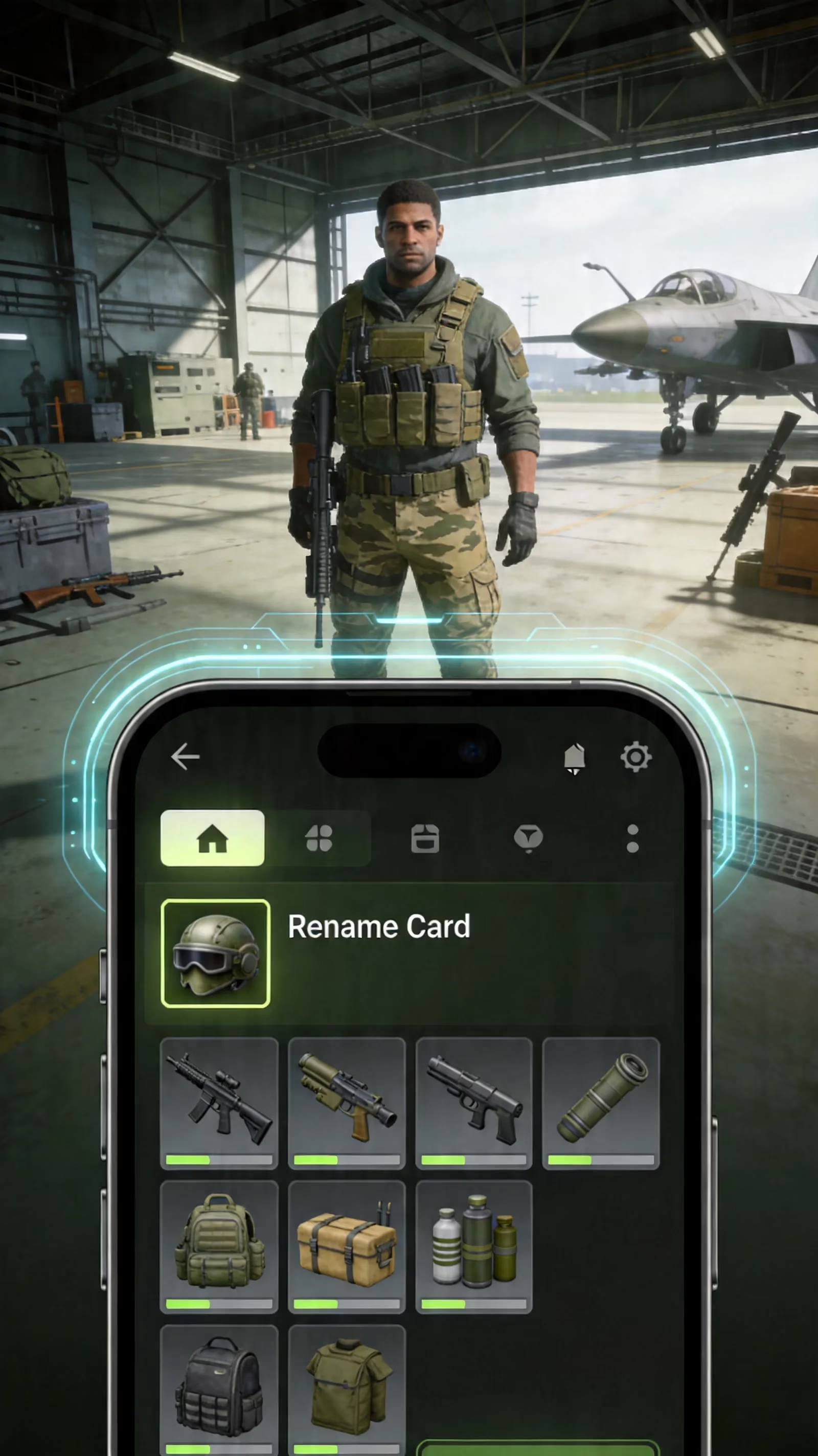
On PUBG Mobile and BGMI, the rename process starts from the main lobby. Tap Inventory in the bottom-right area of the screen on the current UI, then head into the Box section where consumable items are stored. Your Rename Card appears there with an ID-style icon, and once you tap Use, the game opens a text field for your new name.
After you confirm the new username, it updates right away. Your squadmates, friends list, spectator view, and opponents will all see the new name without needing a restart.
PUBG Mobile
For PUBG Mobile, the full flow is simple:
-
Open the main lobby.
-
Tap Inventory at the bottom-right.
-
Go to the Box or crate section.
-
Find the Rename Card with the ID symbol.
-
Tap Use.
-
Enter your new username.
-
Tap OK to confirm.
Once confirmed, the new name shows up across the game almost immediately, including your lobby profile, kill feed, and spectator display. After that, a 24-hour cooldown kicks in. Even if you have extra Rename Cards sitting in your inventory, you still cannot rename again until that timer expires.
If you're trying a stylish or unusual name, it’s honestly smart to test readability first. A name that looks cool in the input box can end up looking messy in the kill feed, especially during a ranked match.
PUBG PC
PUBG: Battlegrounds on PC skips the in-game rename system entirely. Your visible PUBG name is your Steam profile name, so the change happens in Steam:
-
Open Steam.
-
Click your profile name in the top navigation.
-
Select Edit Profile.
-
Change the name in the General section.
-
Save the update.
PUBG reads that Steam name when you log in. If the old name is still showing after the change, just restart the PUBG client and it usually syncs correctly. There is no UC cost here, and no Rename Card either. The main limits come from Steam itself, including its 32-character cap and moderation rules.
PUBG Rename Card Cost and Sources
If you are playing PUBG Mobile or BGMI, the normal shop price for a Rename Card is 180 UC. In BGMI, that cost uses the local equivalent currency, but the value is effectively the same. You can buy it through the in-game Shop, usually under the Treasure section or a similar utility tab depending on the current menu layout.
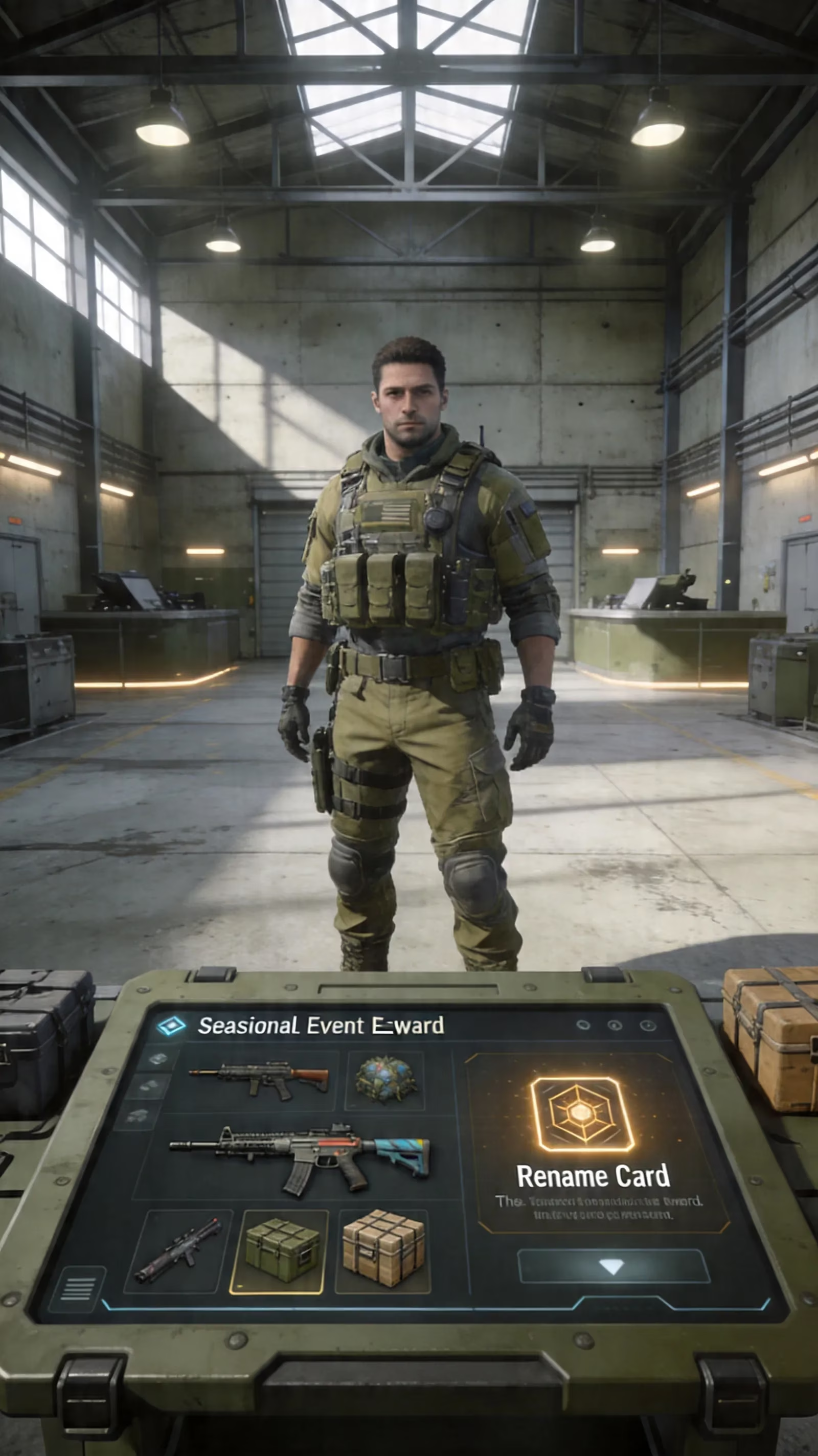
That said, spending premium currency is not always necessary. A lot of players get their first or even second Rename Card for free just by paying attention to seasonal rewards and event tabs.
Free Rename Card sources usually include:
-
Progress Missions / Level Rewards: Newer accounts often get one free somewhere between account levels 3 and 10.
-
Returner Rewards: If an account has been inactive for more than seven days, the return missions sometimes include a free Rename Card.
-
Royale Pass / Seasonal Events: Some pass tiers and limited-time event tracks include Rename Cards as rewards.
-
Mission Crates and BP Shop: Depending on the season, Rename Cards can show up in crates or discounted BP bundles.
-
2026 Anniversary Event Rewards: During the PUBG Mobile Version 4.3 eighth anniversary cycle in May 2026, Rename Cards appeared in anniversary carnival reward pools alongside other consumables.
If you want to avoid burning 180 UC for no reason, check the Events and Missions tabs at the start of each season first. That is usually the easiest free route.
PUBG Username Rules and Limits
Before you lock in a new tag, it helps to know what the game will actually accept. A lot of failed rename attempts come down to basic validation rules: length, duplicate names, blocked words, or unsupported characters.
PUBG Mobile and BGMI
PUBG Mobile and BGMI both use a 4 to 16 character username limit. Anything shorter than four or longer than sixteen gets rejected immediately. Standard letters and numbers work without issue, and a fair amount of Unicode styling also passes, including many bold, gothic, and small-caps variants generated by clean font tools.
This is where things get a bit messy, though. Some fancy fonts are accepted because they are still standard Unicode characters, while others fail because the generator sneaks in invisible formatting characters. Emoji support is also inconsistent. On one device, an emoji might display fine; on another, it can show up as a blank box or broken symbol.
There is also a uniqueness check. If another player already has the exact same name, the game will reject it and ask for a variation. On top of that, both PUBG Mobile and BGMI filter profanity, hate speech, and terms tied to cheating or exploits. BGMI also applies additional India-specific moderation rules beyond the global PUBG Mobile filter.
A small but important detail: BGMI tends to be stricter with invisible Unicode than the global version. A single hidden blank character often fails validation there, and some players only pass the minimum-length check by using two or three Hangul Filler characters (U+3164). Even then, it is not always reliable.
PUBG PC
On PC, the limit comes from Steam. Your profile name can be up to 32 characters, which is much more generous than mobile. Even so, just because Steam allows 32 characters does not mean PUBG displays all 32 cleanly.
Long names often get cropped in the kill feed, spectator view, or smaller UI elements. In practice, names in the 8 to 16 character range are the safest if you care about readability. Steam also enforces its own moderation policy, so names that break community rules can be blocked before they ever show in PUBG.
Unicode styling is another thing to watch. Some fonts that look perfect on mobile can render oddly in the PUBG PC client depending on the font stack the game uses. If you are going for something unusual, test it in a custom lobby or Training Mode first.
PUBG Username Not Changing Fixes
When a PUBG name change fails, the reason is usually pretty straightforward. The annoying part is that the game does not always explain it clearly.
Here are the most common fixes:
-
No Rename Card in Inventory: If you cannot find the card in the Box section, you likely never bought or earned one, or you are on the wrong account. Rename Cards are account-bound and do not transfer.
-
Name Rejected Error: This usually means the name breaks a rule related to length, uniqueness, blocked words, or unsupported characters.
-
Cooldown Still Active: On mobile, the 24-hour timer is absolute. Logging out, restarting, or switching devices will not bypass it.
-
Server Timeout or Technical Error: Right after major updates or anniversary events, Krafton’s rename service can lag and throw a generic error even when the name itself is valid.
If the issue looks technical rather than rule-based, try this:
-
Wait 15 to 30 minutes.
-
Retry the rename.
-
Clear cache if needed.
-
Fully relog into the game.
-
Contact official support if it still fails.
That usually solves most rename problems without much drama.
Rejected Stylish Names
Stylish names are one of the biggest pain points. A name can look perfectly fine on your screen and still get rejected instantly. In most cases, the real problem is not the visible letters — it is the hidden Unicode attached to them.
Some font generators add zero-width characters like U+200B Zero Width Space or other invisible joiners to create a certain visual effect. PUBG’s validation system catches those hidden characters and rejects the whole name. That is why copied names from random font sites fail so often.
Safer alternatives are clean Unicode styles with no hidden modifiers, such as:
-
Gothic blackletter: 𝔄𝔅ℭ
-
Bold Unicode: 𝗔𝗕𝗖
-
Small caps: ᴀʙᴄ
These usually pass much more consistently when copied from a clean source. Also, avoid pasting names from translation tools like Google Translate, since they can carry hidden formatting data that breaks validation.
Best PUBG Username Picks for 2026
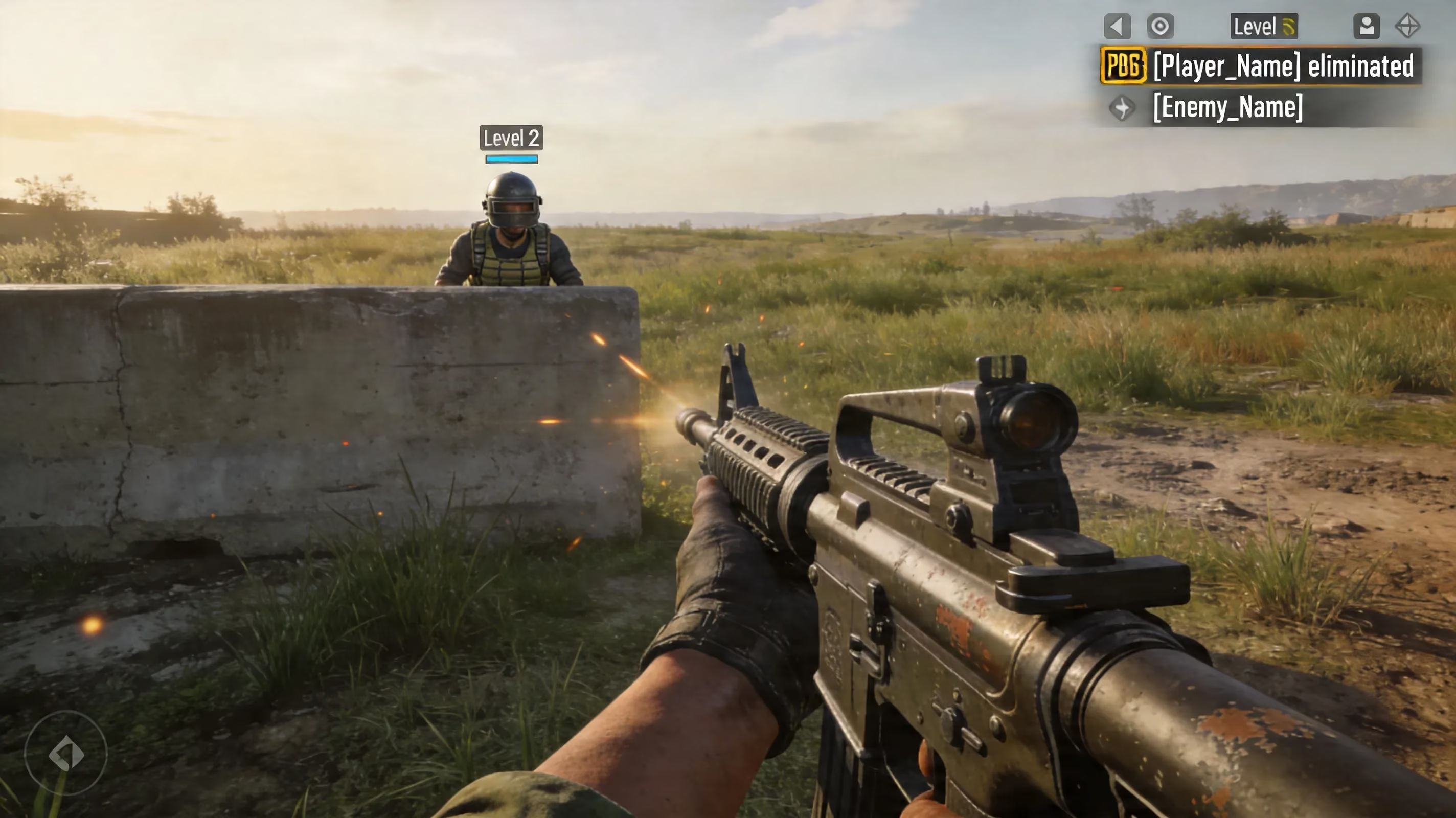
A strong PUBG username in 2026 is not just about looking cool. It should be short enough to stay readable in the kill feed, clean enough to avoid rendering bugs, and flexible enough to still work if you join a clan later.
Short tags in the 5 to 10 character range are usually the sweet spot. They display well on mobile and PC, and they are much less likely to get cut off in smaller UI elements.
If you play with a squad or competitive roster, the classic clan tag format is still the standard:
-
[APEX]Ghost
-
[VOID]Raze
-
[NOVA]Hex
On mobile, remember that the full name — brackets, clan tag, and handle included — still has to fit inside the 16-character limit. That matters a lot more than people think.
For sweaty, kill-feed-friendly tags, shorter is usually better. Names built around sharp, easy-to-read words still work best in 2026, especially in fast fights where readability matters more than style. Good examples include:
-
GhostX
-
VoidKing
-
NullGod
-
HexShot
-
RazeOP
-
GrimX
A few common questions come up every time players rename:
Is changing your PUBG name free?
On PUBG PC through Steam, yes. On PUBG Mobile and BGMI, it is only free if you got a Rename Card from missions, events, or level rewards. Otherwise, it costs 180 UC.
Will friends still recognize or find my account?
Yes. Your account ID stays the same, so your friends list and squad history remain intact. Still, it is a good idea to tell your squad before you swap names so nobody gets confused mid-session.
How often can you change it?
On mobile, once every 24 hours, and each change consumes a Rename Card. On Steam, there is no strict hard cooldown, although changing your profile name too often can occasionally trigger a temporary hold.
Conclusion
The best rename path really comes down to platform. If you are on PUBG Mobile or BGMI, you need a Rename Card, then you follow the Inventory → Box → Rename Card route, confirm the new name, and wait out the 24-hour cooldown before doing it again. If you are on PUBG PC, you just change your Steam profile name, restart the game if the update does not show right away, and stay within Steam’s 32-character limit.
No matter where you play, the safest pick is a name that is readable, unique, and free from hidden Unicode junk that can trigger validation errors. Keep it clean, keep it easy to read in the kill feed, and it will hold up way better than a flashy tag you end up replacing a week later. Happy dropping, survivors.